Back to Home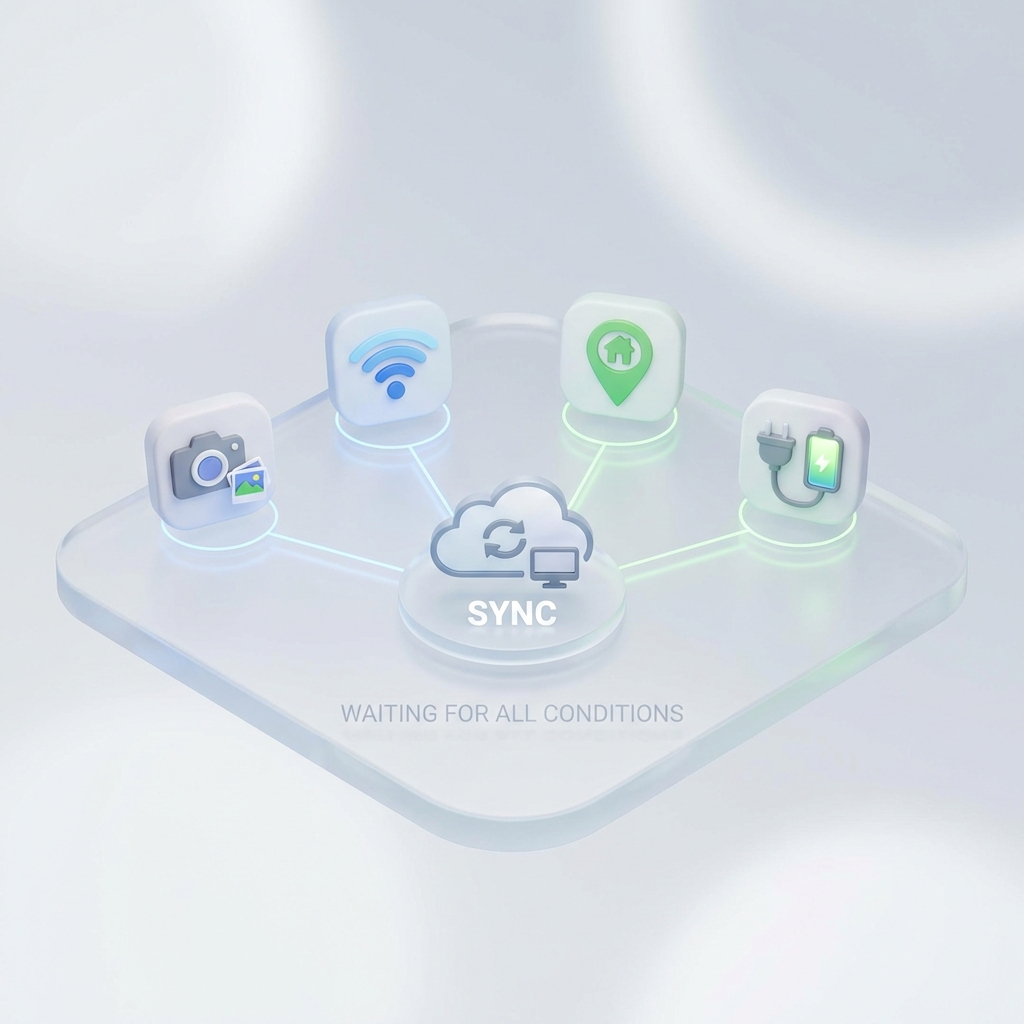
Automatic Transfer
Your photos move only when the moment feels right
You arrive home in the evening...
Your phone connects to your home Wi-Fi.
Your plug in the charger.
You put your phone down.
No app to open. No button to tap.
Today’s photos are already backed up — quietly, automatically.
Automatic, but never careless
We believe automation should know when to wait.
For many apps, 'automatic' means:
- • Start transferring as soon as there's a connection
- • Or sync every photo the moment it's taken
The result?
- • Battery drains faster than expected
- • Mobile data gets used without you noticing
- • Transfers start on public or unfamiliar networks
Automatic — but stressful.
We believe automation should know when to wait
SyncDrop doesn't rely on a single trigger. It waits until all the right conditions are met.
You decide what 'right' means:
📸 After photos
Trusted Wi-Fi
Specific Location
While Charging
Only when every selected condition is satisfied will the transfer begin.
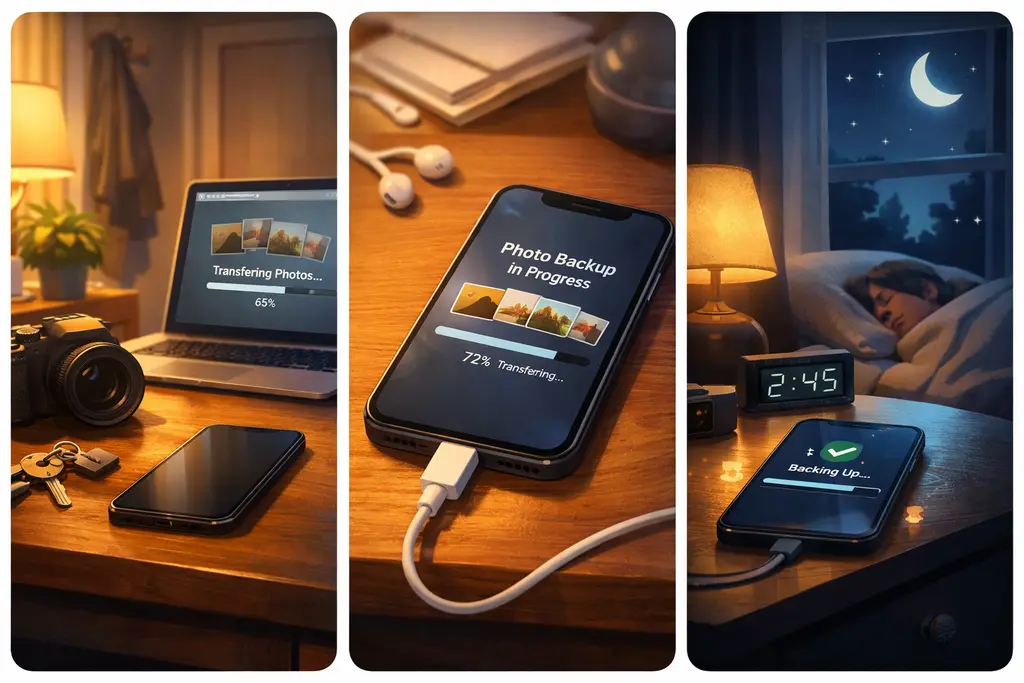
Scenarios designed for real life
🏠
At home, backed up safely
Take photos → arrive home → connect to Wi-Fi → plug in
📂 Sync to your computer, NAS, or Personal Cloud (SMB, WebDAV, SFTP, S3)
💼
After work, without reminders
No 'I'll do it later.'
Your photos sync naturally, as part of your routine.
🌙
At night, silently
No interruptions. No distractions.
Just peace of mind when you wake up.
Automatic — always under your control
- Every rule is defined by you
- If conditions aren't met, nothing happens
- No surprise transfers, no runaway background tasks
Automation with restraint.