Sync with your Computer
Whether you prefer a powerful native app or the convenience of a web browser, SyncDrop makes moving photos, files, and text to your computer effortless.
SyncDrop Companion
Our free native application for Windows and Mac provides the most powerful and integrated experience for your desktop workflow.
Drag & Drop Transfers
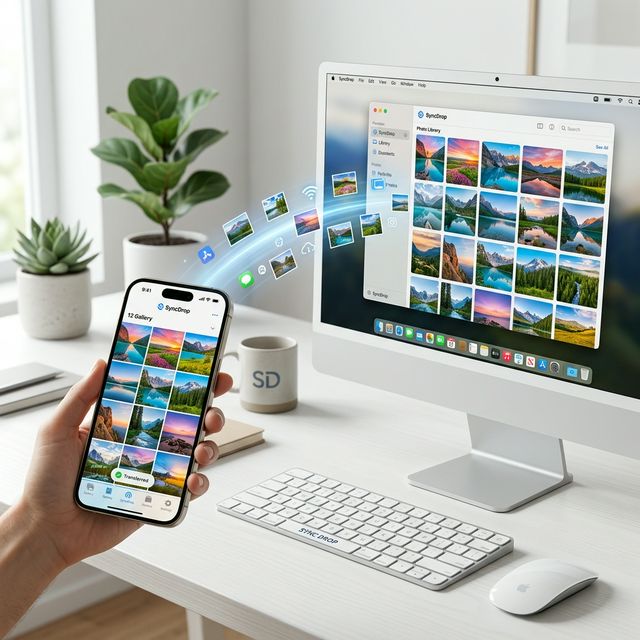
Simply drag photos, videos, or files onto the SyncDrop window to instantly beam them to your connected phone or tablet.
Direct macOS Photos Integration
On Mac, SyncDrop can seamlessly import your mobile media directly into the system Photos App, keeping your library perfect.
Automatic Device Detection
Forget IP addresses. The Companion app automatically finds all SyncDrop devices on your local Wi-Fi for zero-config pairing.
High-Speed Transfers
Fast and secure local Wi-Fi transfers. Your data never leaves your network and never touches the cloud.
Flexible Storage
Choose your preferred storage locations on your computer and customize transfer folders to suit your unique workflow.

Web Browser Access
No software to install. Access your photos and videos from any platform with a simple web browser.
Big Screen Viewing
Browse your mobile library on a large display and quickly upload or download selections. Perfect for sharing with friends.
Web-Sharing (No Install)
Just open the URL provided by the app. Works on Windows, Mac, and Linux seamlessly over Wi-Fi.
Secure Authentication
Protect your web sessions with login and password authentication, ensuring your privacy is always the top priority.
Support for Linux & Pro Users
Access your files via an SFTP (FTP over SSH) connection for secure transfers on Linux or any advanced local storage setup. SyncDrop is built to be open and interoperable.